
Good for launches and tests
When a new product lacks a complete visual set, generate a direction first. Hero visuals, benefit images, and lifestyle scenes help the team decide what deserves more polish.
Upload a product photo and get hero, benefit, detail, and scene visuals.
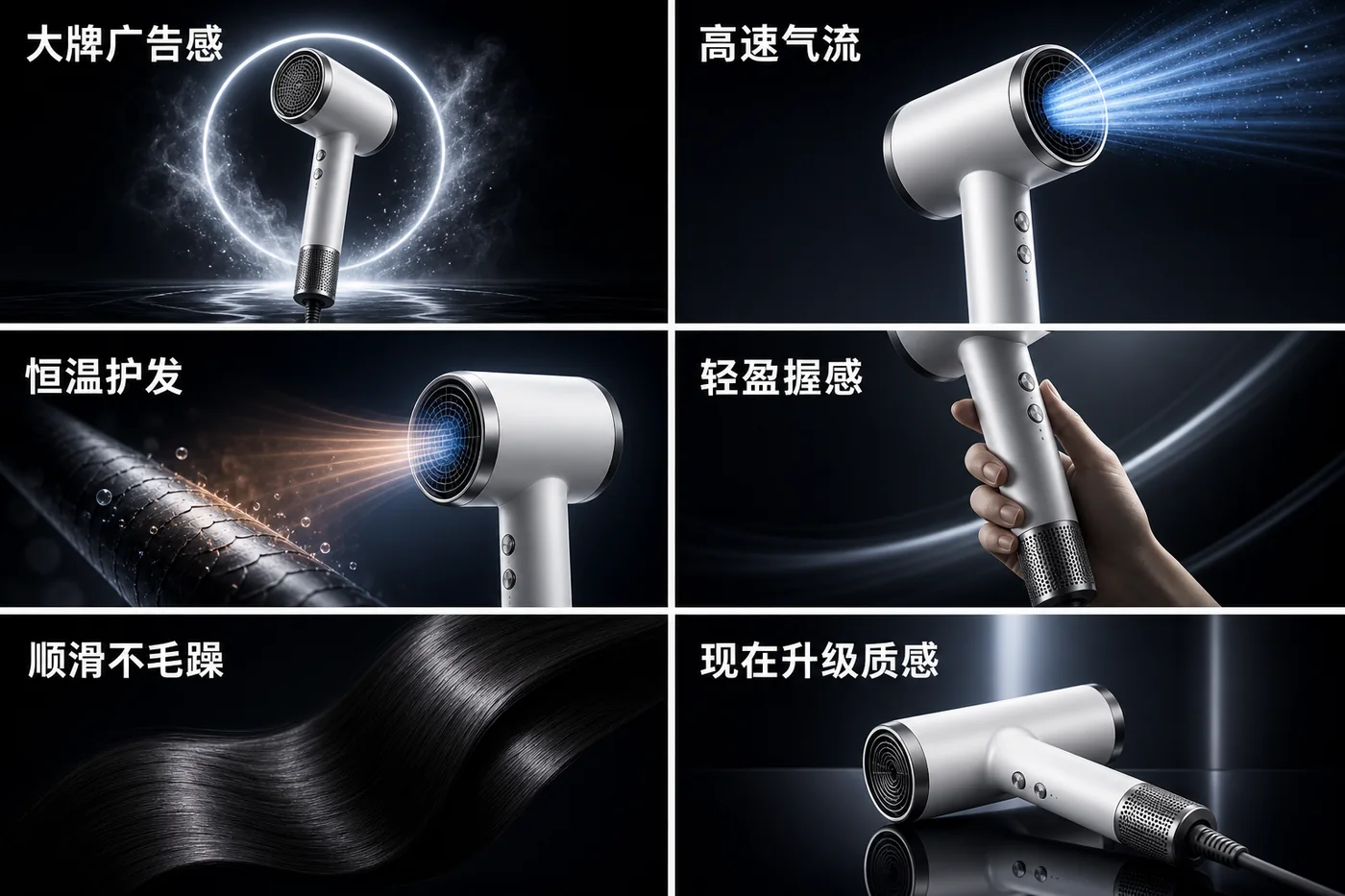
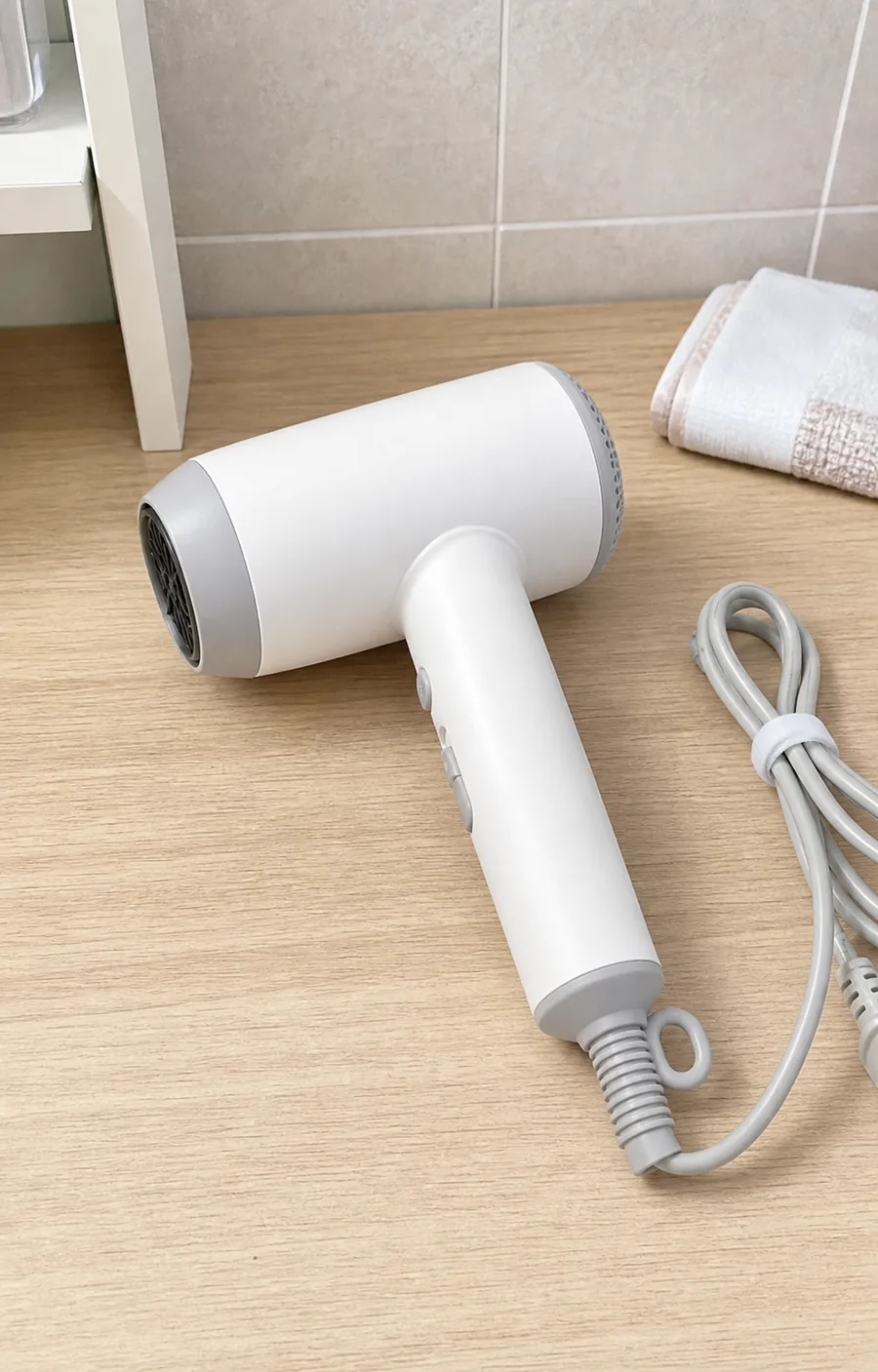
Detail-image workspace for ecommerce teams
Built for ecommerce operators, designers, and independent store owners launching or testing products. Generate hero visuals, benefit images, close-ups, and lifestyle scenes with rendered copy first, then confirm specs and refine the set with your team.
When a new product lacks a complete visual set, generate a direction first. Hero visuals, benefit images, and lifestyle scenes help the team decide what deserves more polish.
Each section includes the generated image, headline, subheadline, benefit tags, layout guidance, and a reusable prompt, so operators and designers can review the same concrete direction.
Headlines, benefits, user-provided specs, claims, materials, certifications, and test data can render into the image. Copy suggestions remain available for quick review before publishing.
Creates the above-the-fold product hero with rendered copy, product texture, and platform-fit composition.
Turns benefits such as portability, material, performance, or design into scannable visual blocks.
Plans close-ups for texture, ports, fabric, accessories, packaging, and important product structures.
Generates scene directions for commuting, outdoor, home, office, gifting, or other audience contexts.
Organizes confirmed dimensions, capacity, materials, compatibility, and usage notes into a decision-support section.
You get section-by-section detail images, editable headlines and benefit copy, layout guidance, reusable prompts, and a checklist for specs or claims to confirm before publishing.
It is especially useful for product launches, listing tests, ad landing-page visuals, social commerce assets, and product pages that need more visuals. Mature listings can also use it to test new benefit angles.
It will use the specs and claims you provide. If a hard fact is not supplied, the tool uses broader benefit copy or concept badges so the image still feels complete.
Yes. Short headlines, benefit tags, campaign-style text, and user-provided short specs can be rendered into the image. Claims and longer copy are also kept as copy suggestions for review before publishing.
Yes. Select the platform, visual style, and target language, then generate detail images, benefit copy, and rendered on-image text closer to that selling context.
You can start with one hero visual to validate direction, then expand into multiple sections covering the hero, benefits, details, lifestyle scenes, and specs.
No. The workspace creates image prompts for each section. You only need to add real product facts and the selling points you want to emphasize.